Platform
One agent. The commands the repository ships.
Linux, Windows, Docker, Helm, OpenShift, Ansible, and Terraform. Replace INGEST_KEY. The endpoint in these lines is the public demo.
The lines are copied from the install scripts, the downloads catalog, and deploy/integrations. They were not invented for this page. Films of the same installs are on the docs page.
tar -xzf onemonvue-agent-0.9.0-linux-x86_64.tar.gz && cd onemonvue-agent-0.9.0-amd64 && sudo ./install.sh --unattended --endpoint 'https://lucitrace.onrender.com' --tenant nonprod --key 'INGEST_KEY' --metadata 'AppID=000431' --metadata 'BU=Payments'powershell -ExecutionPolicy Bypass -File .\install.ps1 -Unattended -Endpoint 'https://lucitrace.onrender.com' -Tenant nonprod -Key 'INGEST_KEY' -Metadata 'AppID=000431','BU=Payments'docker build -t onemonvue/agent:0.9.0 -f Dockerfile . && docker run -d --name onemonvue-agent --restart unless-stopped -e ONEMONVUE_ENDPOINT='https://lucitrace.onrender.com' -e ONEMONVUE_TENANT=nonprod -e ONEMONVUE_KEY='INGEST_KEY' -e ONEMONVUE_TAGS='team=payments' -v onemonvue-logs:/var/log/onemonvue onemonvue/agent:0.9.0helm upgrade --install onemonvue onemonvue-agent-0.9.0.tgz --set tenant=nonprod --set endpoint=https://lucitrace.onrender.com --set tags=team=paymentshelm upgrade --install onemonvue onemonvue-agent-0.9.0.tgz --set tenant=nonprod --set endpoint=https://lucitrace.onrender.com --set tags=team=paymentsansible-playbook playbook.ymlterraform plan -var 'create_kubernetes=true'Kubernetes and OpenShift
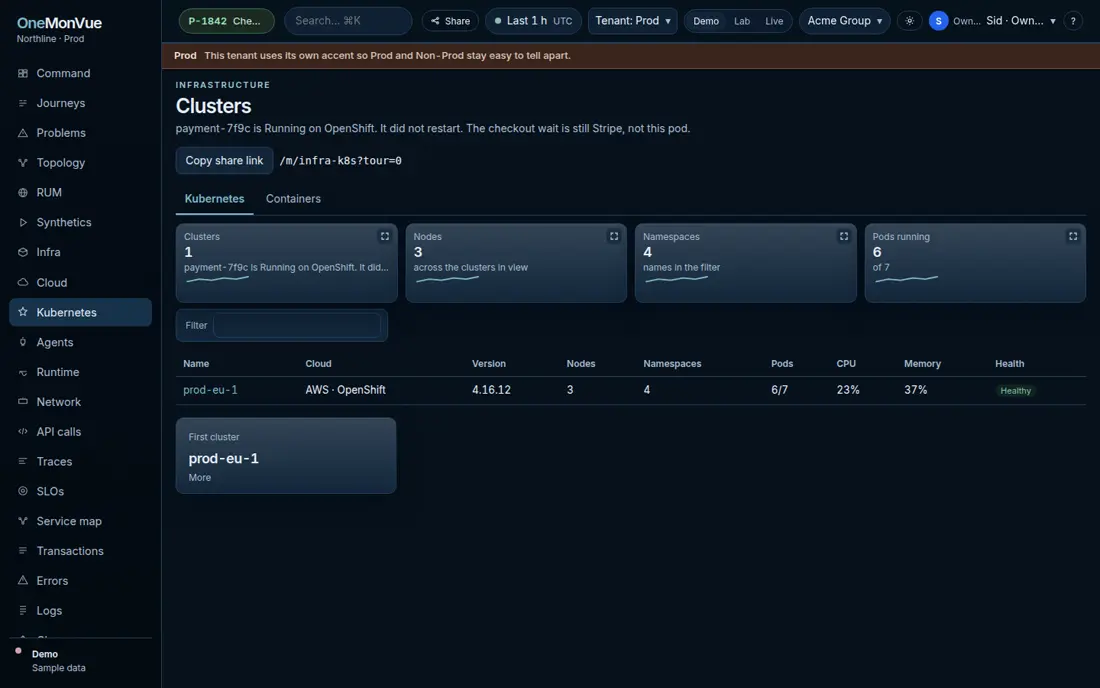
The board in the demo is Kubernetes and OpenShift. The cluster prod-eu-1 is OpenShift 4.16.12, and the checkout pod is part of the same incident. OpenShift uses the same Helm chart. This repository has no operator, no SecurityContextConstraints file, and no oc install command. The only OpenShift manifest is the lab route, and it is not the agent.
What the agent file is
The agent file in the repository is a shell stub. It writes a line and sleeps. The install scripts, the chart, and the service names are what the product serves. A real collector replaces that file.
The same app runs with docker compose up, or on Fly. The agent command does not change. You hold the data directory when you run it.