How it works
From a slow checkout to the hop.
Three steps. The line below is the same path the product draws. Stripe glows because that hop left its baseline.
- 01 Install the agent One command for the host you have. Linux, Windows, Docker, Helm, OpenShift, Ansible, or Terraform. The flags are the ones in the install scripts.
- 02 Journeys build themselves Traces that share a correlation or a session become one path. Outbound calls to hosts you do not run are named.
- 03 See where, what, and why The trace table names the service, the hop, and the reason. On the planted incident, Stripe EU is 2.10 seconds against 140 milliseconds. orders-pg is 11 milliseconds against 15.
A release, beside production
QA, then UAT, then Perf, next to the last production release. Each environment is a card: Go, Hold, or No-go. Signing records the decision. It does not hide a no-go. The pipeline query stays off until its feature flag is on.
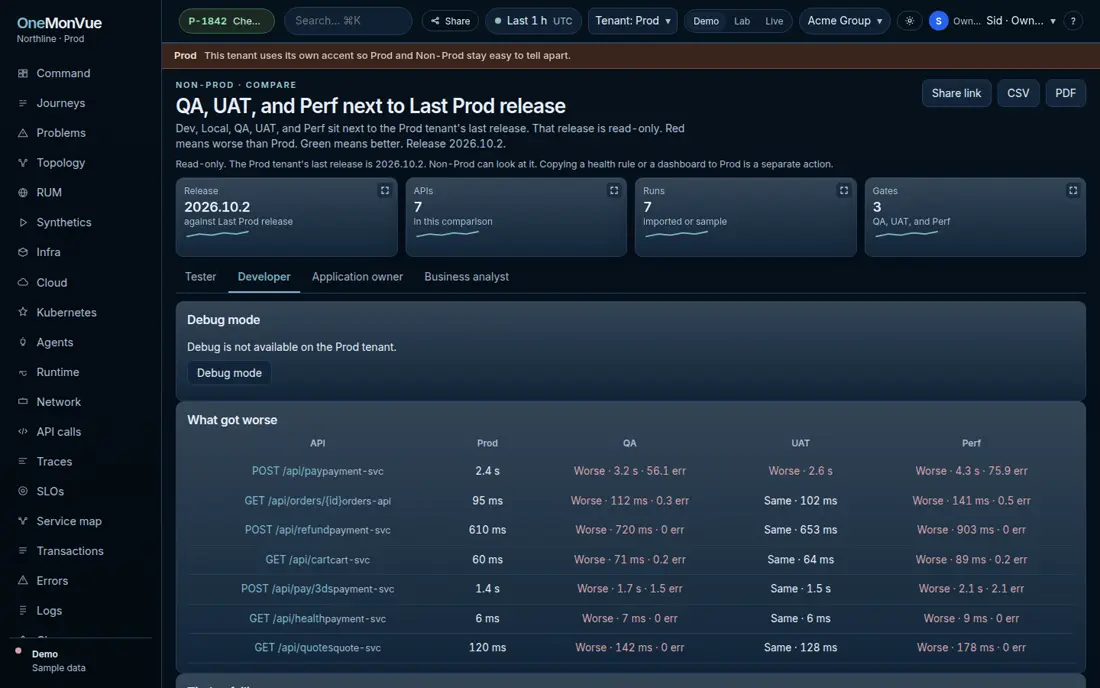
Two tenants
The header tenant is Prod or Non-Prod. On Non-Prod you pick Dev, Local, QA, UAT, or Perf. They stay separate. The public demo is a hosted app. The same app runs with docker compose up, or on Fly.